Topic · Mental load
The invisible list in your head – finally shared
Mental load is not the doing. It is the constant thinking ahead: is there cat food left? When was the dentist? Who picks up tomorrow? Where is the vaccination card? This work is invisible, it never stops, and in most households it sits with one person. collabDoo takes the list out of your head – and turns it into something everyone can see, understand and take on.

How to recognise it
Three signs that one person carries too much
No blame for anyone. Usually nobody notices – least of all those who are not carrying.
Only one person sees what is missing
The empty fridge, the expiring daycare registration, the full recycling bag: it only becomes visible when someone points it out. And that someone is always the same person.
Delegating still means remembering
“Could you please …” distributes the work, not the responsibility. Whoever asks still has to remind, follow up, check. That is the part that wears you out.
The knowledge lives in one head
How much food do the rabbits get, which filter fits the machine, when is the paper bin collected? As long as only one person knows, only that person can do it – or explain it.
The idea behind it
Not more admin – a shared place for what otherwise sits in your head
collabDoo is not a chat and not yet another to-do list maintained by one person. Tasks arise by themselves from a foundation described once, they carry their how-to with them, they remind the right person and they show everyone what is open. The app does the remembering. The team shares the doing.
This is what it looks like afterwards
The list is on the board – not in your head
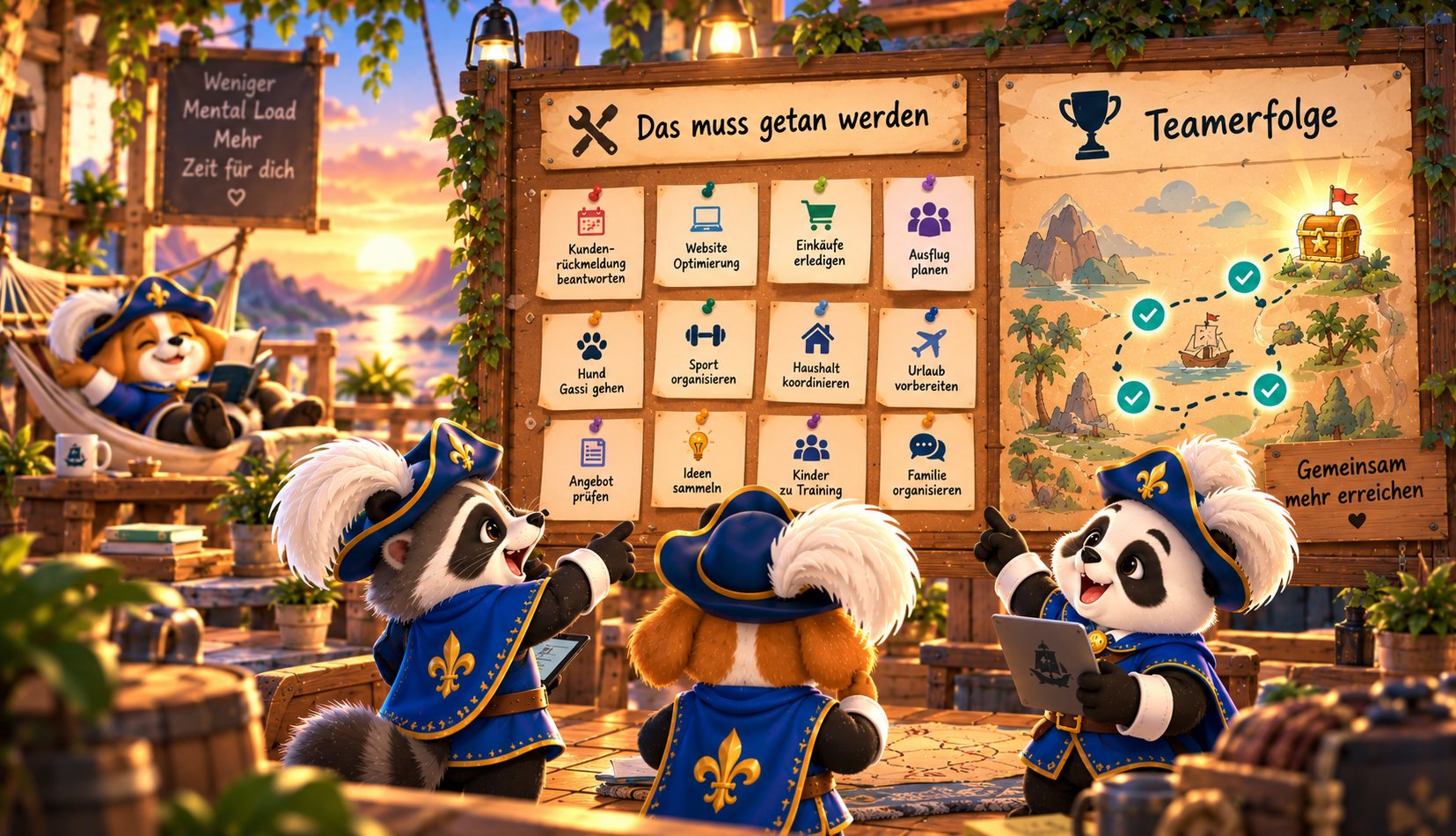
What concretely helps
Five levers against the invisible load
Make it visible
Everything that needs doing – visible to all, not just in one person’s head
The overview shows per person what is open and overdue, and what belongs to nobody right now. Tasks that are up for grabs appear for everyone under “up for grabs”. Whoever has capacity taps – without anyone having to ask.
- Tasks arise by themselves from the template – nobody has to write them down anew every week
- The kitchen display shows the week for everyone, without anyone asking
- Effort per person instead of count – cleaning the bathroom is not returning bottles
Share knowledge
Knowledge out of the head – onto the task
Every task can open a how-to: steps, materials, where they are, what to watch out for. Whoever takes the task does not need to ask – and whoever has always done it does not need to explain. The knowledge belongs to the household, no longer to one person.
- Objects bundle everything: the washing machine knows its filter, its tasks and its history
- An NFC sticker on the appliance opens tasks and how-to right there
- Grandma stepping in finds everything, too
Hand over the remembering
Washing machine on – and the app takes over the thinking ahead
Whoever starts the machine taps “running – hang up in 2 hours”. collabDoo creates a task at exactly that time for the person whose turn it is, and reminds them. Nobody has to keep count in the back of their mind, nobody has to remind anyone. Likewise: “dishwasher running”, “out of food”, “toner empty”.
- Reminders and grace period per task – the app nags, not your partner
- Recurrence down to “90 days after the last completion” – the water filter remembers itself
- collabDoo knows school holidays, public holidays and vacation – the school bag drops out by itself
Distribute fairly
Distributing without chasing
Rotation within the group, “each for themselves” for homework, fair distribution by the effort of the last four weeks: the rule decides, not the person who would otherwise have to ask. collabDoo accounts for absences. And the overview shows neutrally who carries how much – no leaderboard, but a basis for a conversation as equals.
- Hand over and offer instead of silently doing it yourself
- Effort 1–5 separate from points
- Goals for the whole family: everyone chips in
Trust instead of control
“Is it done?” – without asking
The history answers the question that otherwise comes as a follow-up and lands as control. Where it really matters there is a checklist, photo or four-eyes confirmation. Where it does not, a tick is enough. And a greeting with confetti says “thank you” without sounding like ticking off.
- Completions carry person and time – readable, no need to ask
- Greetings: “Proud of you 🎉” instead of “Did you …?”
Two ways in
Whether you are carrying right now – or want to lift the load
Both start small. Neither needs a conversation about fairness as the opener – the overview provides it later by itself.
You are carrying it right now
- Write down the five things only you think about – as task templates, with recurrence. From then on the app thinks about them.
- Attach the knowledge to the task: quantity, location, quirks. Once, not every time you explain.
- Set the assignment to group, rotation or “fair” – not to yourself.
- Let the app send the reminders. You are out of the alarm-clock role.
- After four weeks the overview shows who carries what. That is your way into the conversation – neutral and without blame.
You want to lift the load
- Open Today in the morning instead of asking “what needs doing?”. The question itself is already a load for the other person.
- Take tasks from “up for grabs” – before anyone has to ask.
- Report a need when you see one: out of food, machine running. Seeing and passing it on is half the work.
- Read the how-to on the task instead of asking how it is done.
- Send a greeting. Not as a reward for joining in – but because the carrying was invisible until now.
To be honest
What an app cannot do
collabDoo distributes responsibility visibly and takes over the remembering. It does not replace a conversation about who wants to carry what in the household, nor a decision two adults have to make together. It makes those conversations easier: with numbers instead of feelings as the opener, and with a place where agreements then actually live. If the load is bigger than a household can carry, a counselling service helps – an app does not.
Typical head-list items
What usually only one person keeps in mind
All of it is in the suggestion catalogue – with recurrence, how-to and assignment, ready to tick.
Teal = tasks from the catalogue. From today, each of them can live in someone else’s head: the app’s.
Important note on getting started
Start small, extend slowly
The basic setup takes ten minutes. The real start takes longer: every phone, every profile, and tasks written down well. Anyone who wants to set up everything perfectly on the first evening swaps the old load for a new one. Five tasks, two weeks, then extend. That is work – but one-time work that replaces the daily kind.
FAQ
Common questions on the topic
Isn’t this even more admin for the person who already does everything?
Yes, at the beginning it is work – we say that honestly. The basic setup takes ten minutes, but after that everyone has to get the app onto their phone, and you have to write the tasks down so they fit your everyday life: recurrence, assignment, how-to. Anyone who tries that for the whole household in one evening gives up frustrated. So: start with the five things that annoy you most, let them run for two weeks, then extend. You do this work exactly once – the daily reminding, asking and explaining, on the other hand, disappears for good. And the management need not stay with the person who used to keep everything in their head: any adult can be an admin.
What if the others don’t join in?
Start with what works without discussion: the kitchen display shows everyone the week, “up for grabs” turns taking over into a tap, greetings make joining in visible. And after a few weeks the overview shows, without blame, what the distribution really looks like. Experience says that is the moment something moves – because it is no longer “felt” but visible.
Is this only for families?
No. Mental load exists in shared flats (who orders the toilet paper?), in couples (who thinks about the insurance?), in clubs (who knows where the laundry key hangs?) and at the office (who notices the toner is empty?). collabDoo comes with its own catalogue for every household type – see shared flat, couple, club, office.
Doesn’t this lead to control and point counting?
Points are optional and can be switched off. There is no leaderboard by default, no minus points and no notification “X hasn’t yet …” to others. The overview shows distribution and effort – as information, not as a report card. How you use it is up to you.
collabDoo · All for one. Done by all.
Less mental load. More adventure.
The list in your head becomes something everyone can see. Start with five things.
iPhone & iPad · iOS 17 or later · Android to follow